
Live TV
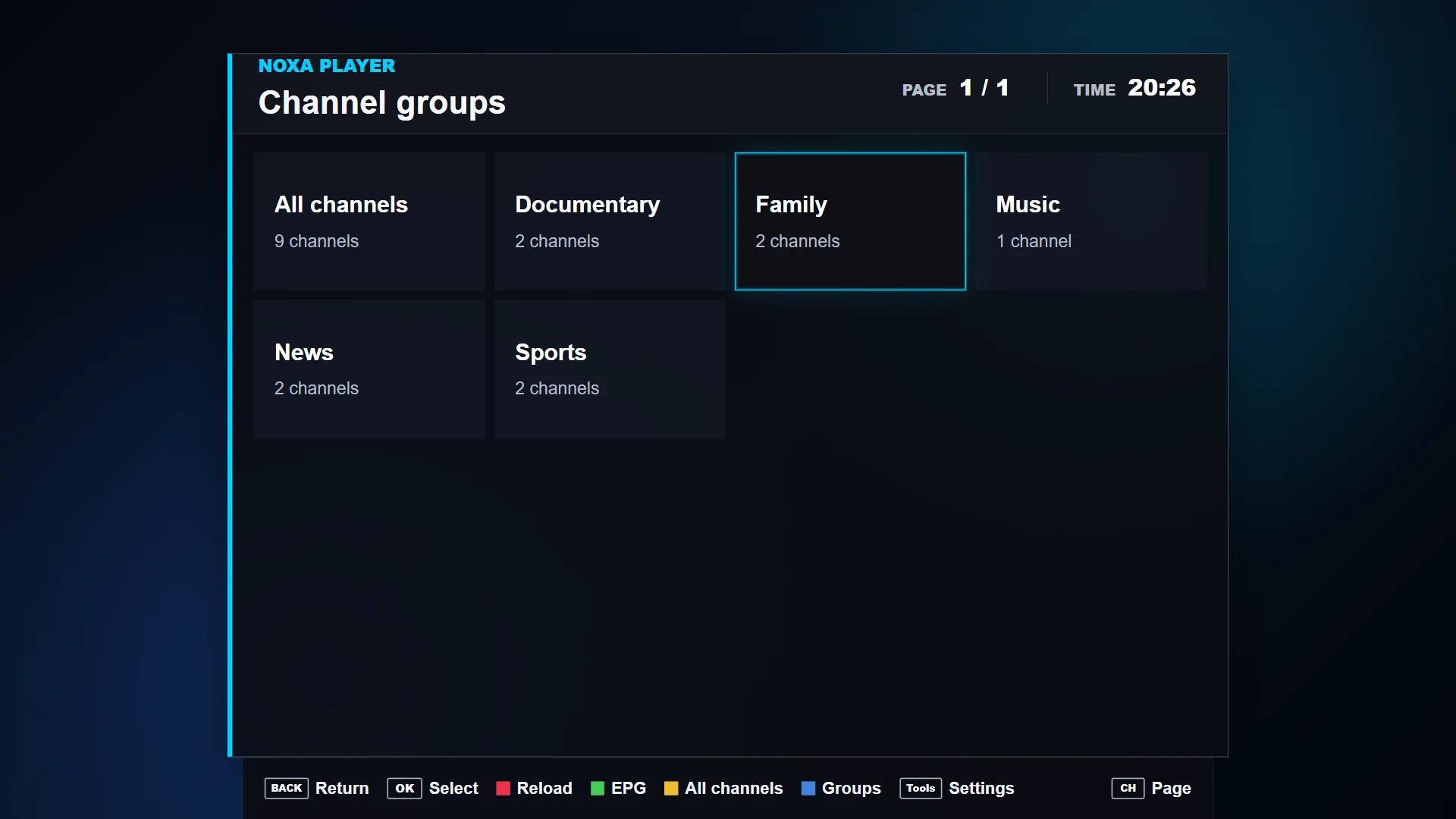
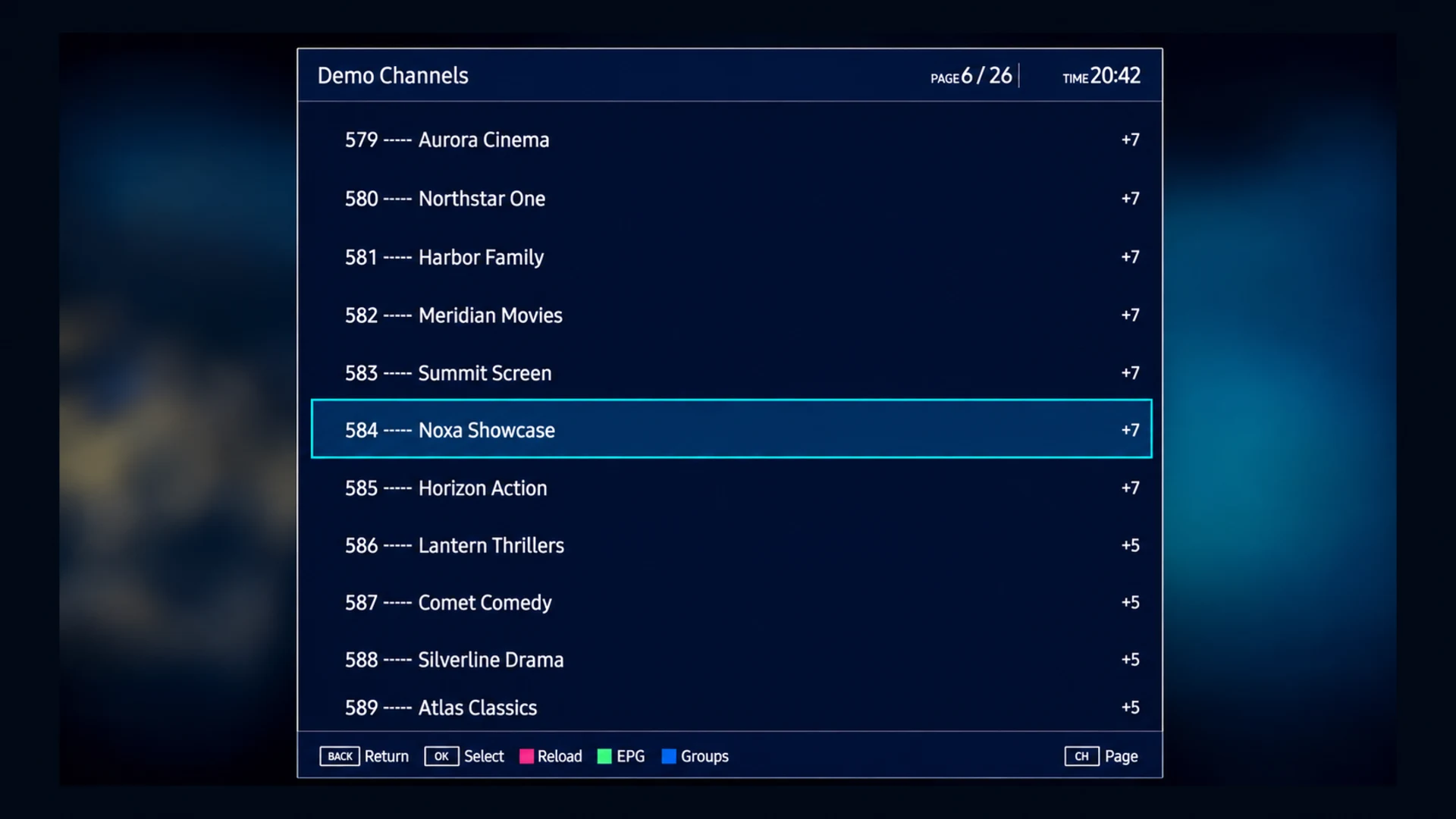
Browse live groups
Navigate groups and channels supplied by your playlist with clear television focus states.
MEDIA PLAYER FOR EVERY SCREEN
A fast, beautifully designed media player for your own playlists across TVs and supported devices.
Noxa Player is software only and does not provide, host, sell, or distribute media content.
Designed for modern screens
SUPPORTED SCREENS
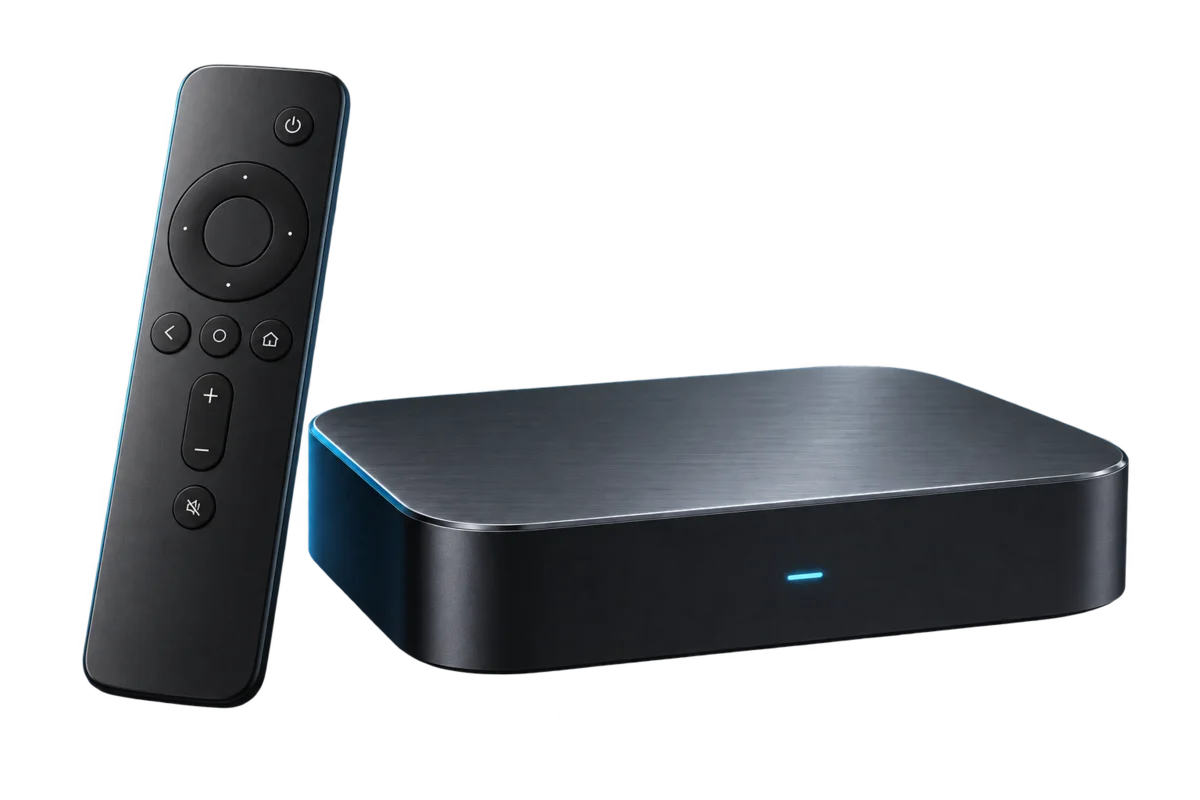
One player across the screens you use most.
Available now on Android TV, Google TV, and compatible Fire TV devices. More platforms are in development or on the roadmap.
 Samsung TV
In development
Samsung TV
In development
 LG webOS
Planned
LG webOS
Planned
 Android TV
Available
Android TV
Available
 Google TV
Available
Google TV
Available
 Fire TV
Available via APK
Fire TV
Available via APK
 Windows
Planned
Windows
Planned
 VIDAA
Research
VIDAA
Research
 MAG
Research
MAG
Research
 Series



YOUR MEDIA, ORGANIZED
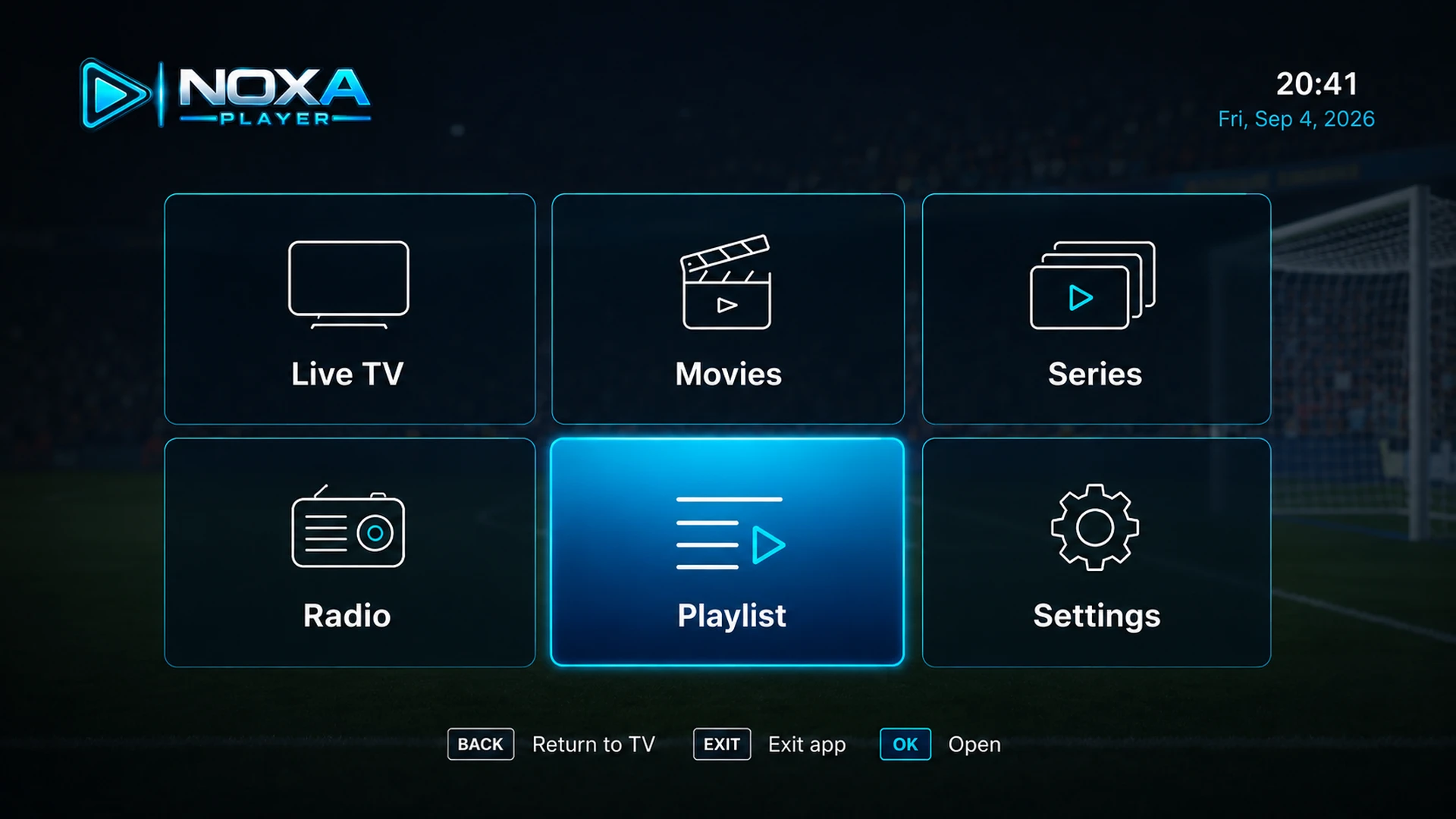
Move between the areas provided by your own authorized playlist with a remote-friendly interface.
See all featuresLive TV
Navigate groups and channels supplied by your playlist with clear television focus states.
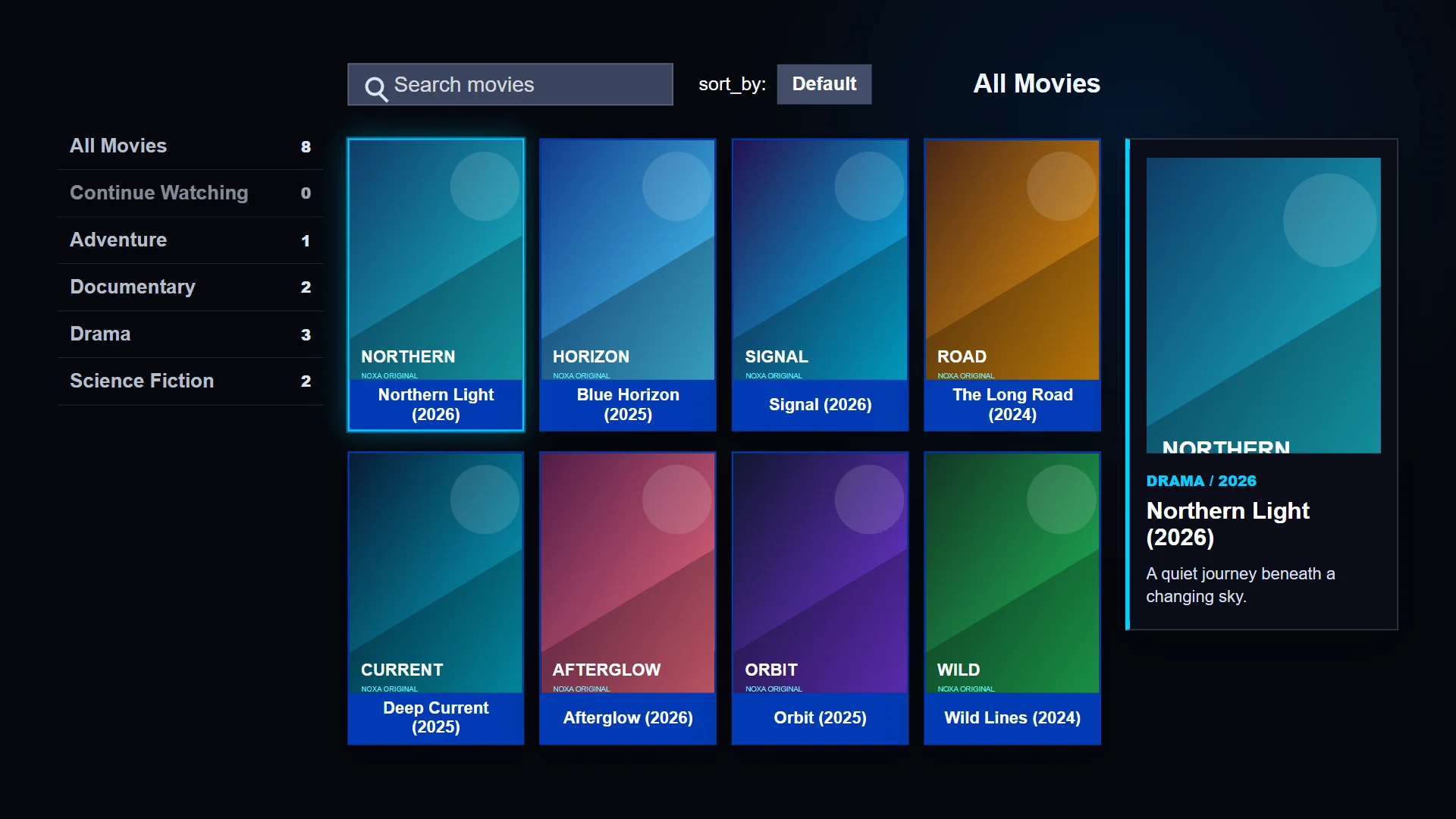
Movies
Browse posters and metadata when your authorized source includes movie content and details.
Series
The current home interface provides a dedicated Series entry point for supported playlist catalogs.
EPG
View channel and programme metadata when your playlist is connected to compatible XMLTV data.
Why Noxa
Everything needed to set up, browse, and play your playlists without a complicated control panel.
Move through your own playlist items quickly with a remote-friendly playback experience.
Return to recent channels quickly without digging through large playlist groups.
Attach optional XMLTV guide metadata when your playlist provider supports it.
Use PIN-based controls to help restrict categories or profiles.
GET STARTED IN MINUTES
A new device can begin with the current trial flow. Payment is requested only when the server reports that activation is required.
Download Noxa Player on a currently supported device.
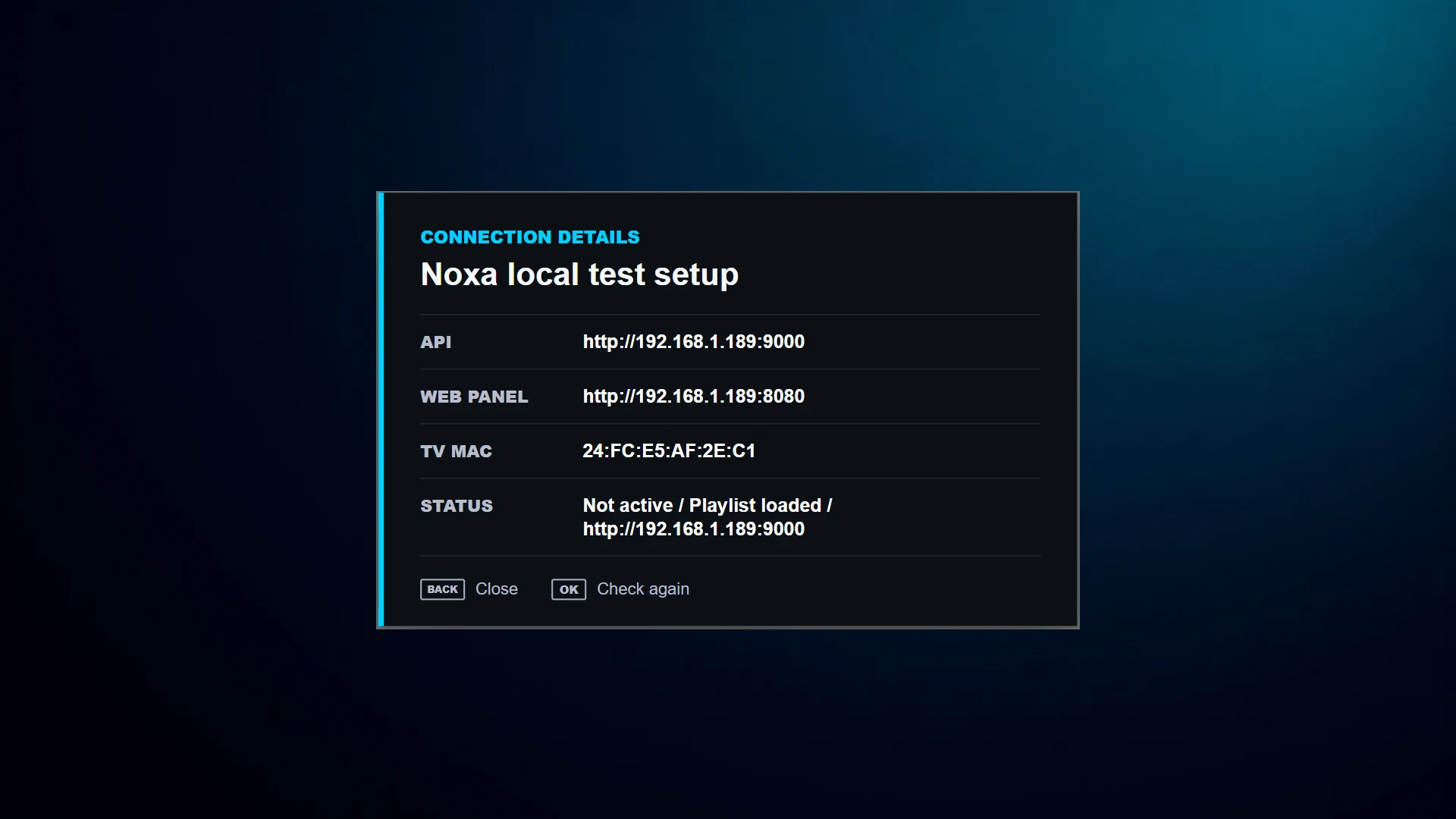
Use the device ID shown in Noxa Player to check trial or activation status.
Add an M3U, Xtream, or compatible source you are authorized to access.
Reload Noxa Player and browse the media supplied by your source.
READY TO GET STARTED?
SIMPLE, TRANSPARENT PRICING
Activation is licensed per device. Current availability and prices are loaded securely from the billing service.
Licenses apply to one device. Use the Device ID shown in Noxa Player before checkout.
Loading current price…
per device, per year
Annual activation for one device.
Loading current price…
one-time, per device
Lifetime activation for one device.
Prices load securely from the billing service.
Activating more than one device? Each device uses its own Device ID and license.
Ask about multiple devicesSOFTWARE, NOT A CONTENT SERVICE
Noxa Player is a media player application.
Noxa Player does not provide, host, sell or distribute television channels, movies, series or other media content.
Users are responsible for connecting sources they are authorized to access.
Quick answers before you download. More help on Support or email support@nikaj.dev.
Download the app, activate your device, and upload your own legal playlist. Noxa Player does not include channels, playlists, subscriptions, or media.
Need help? Email support@nikaj.dev.