Fast zapping
Move through your own playlist items quickly with a remote-friendly playback experience.
THE CURRENT NOXA EXPERIENCE
Explore verified Noxa Player features through authentic screens from the current Samsung TV build.
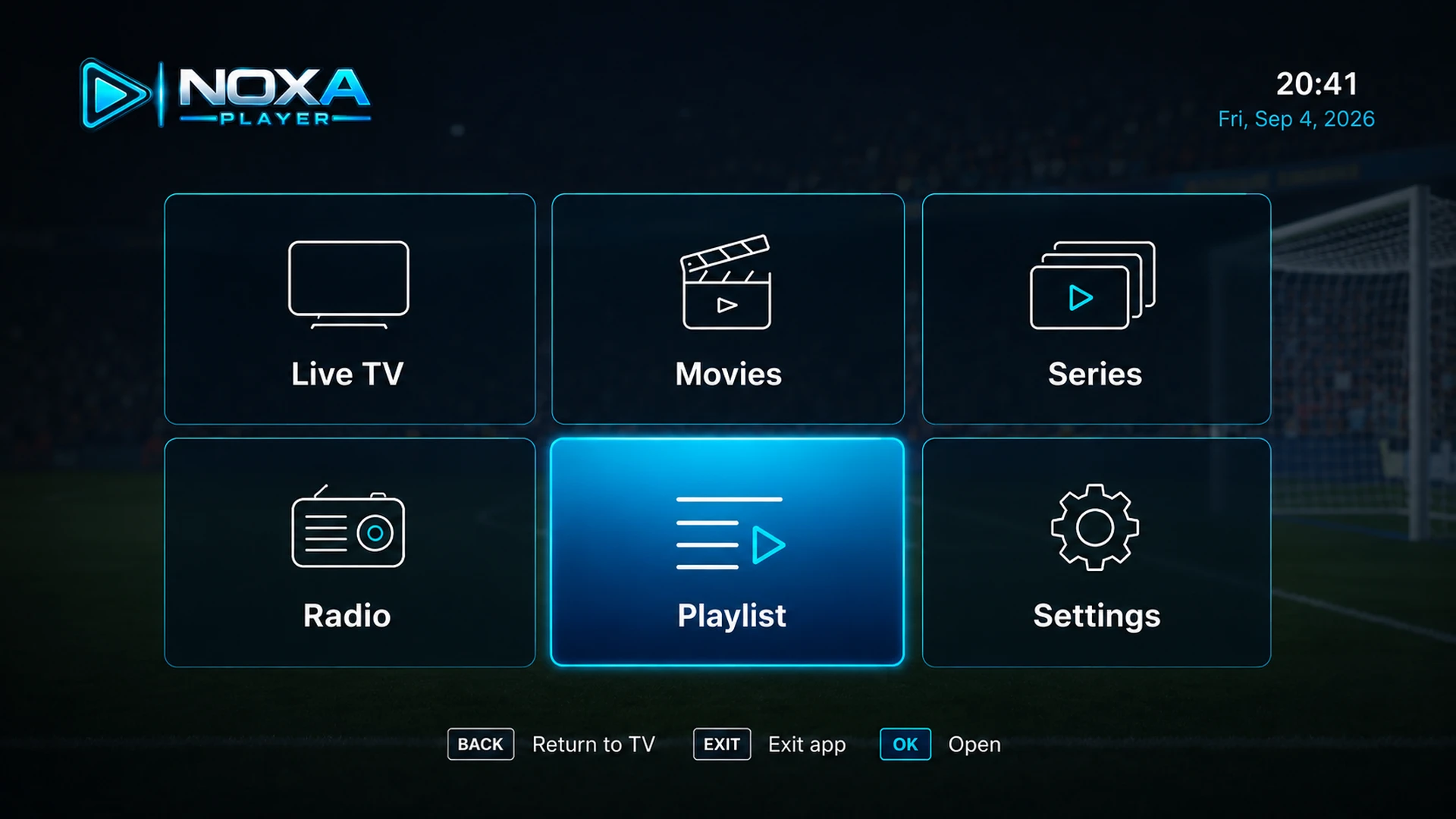
Open Live TV, Movies, Series, Radio, playlists, and settings from the current remote-friendly home screen.
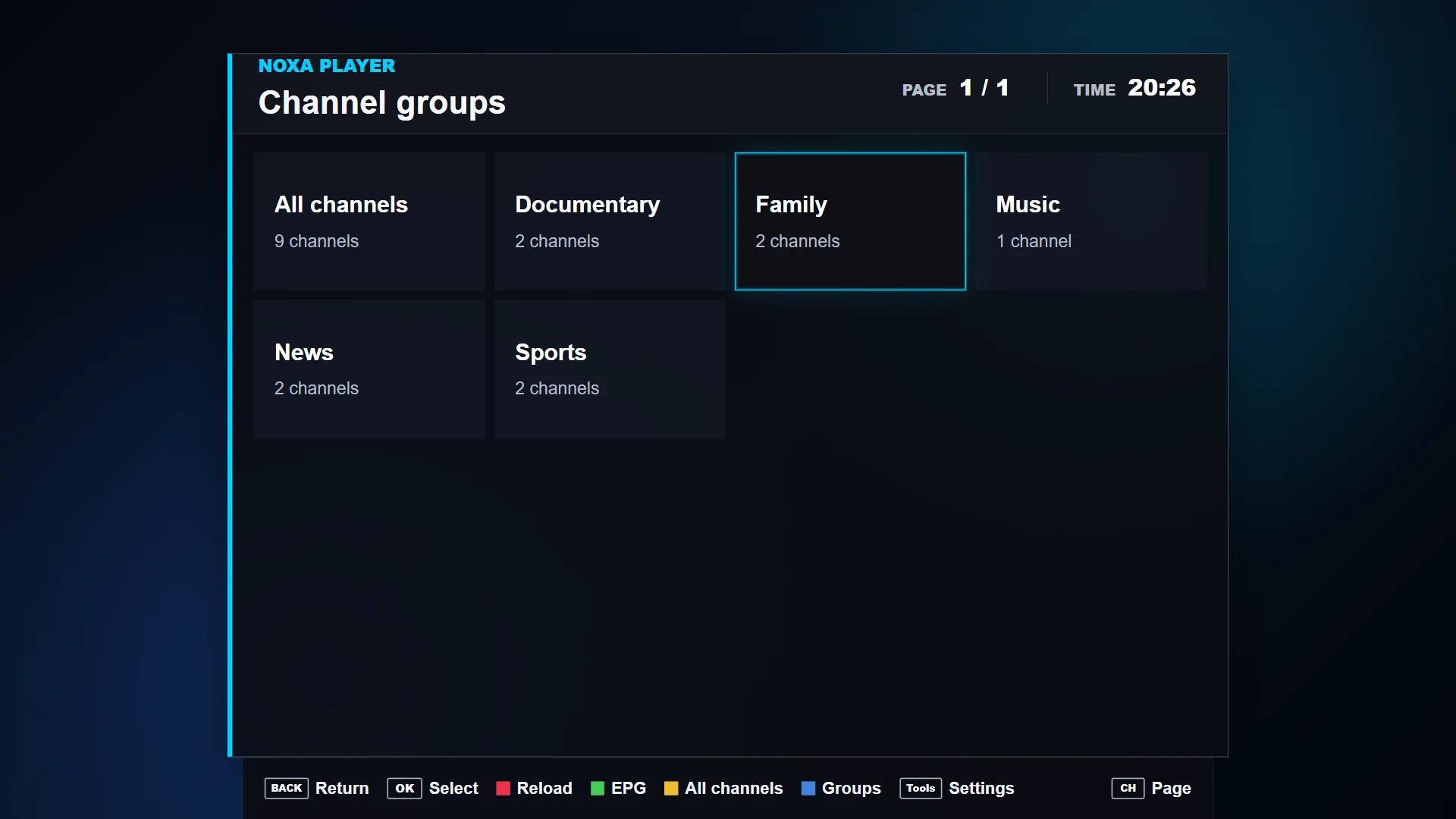
Browse channels from your authorized playlist by group, with clear focus states and remote-control hints.
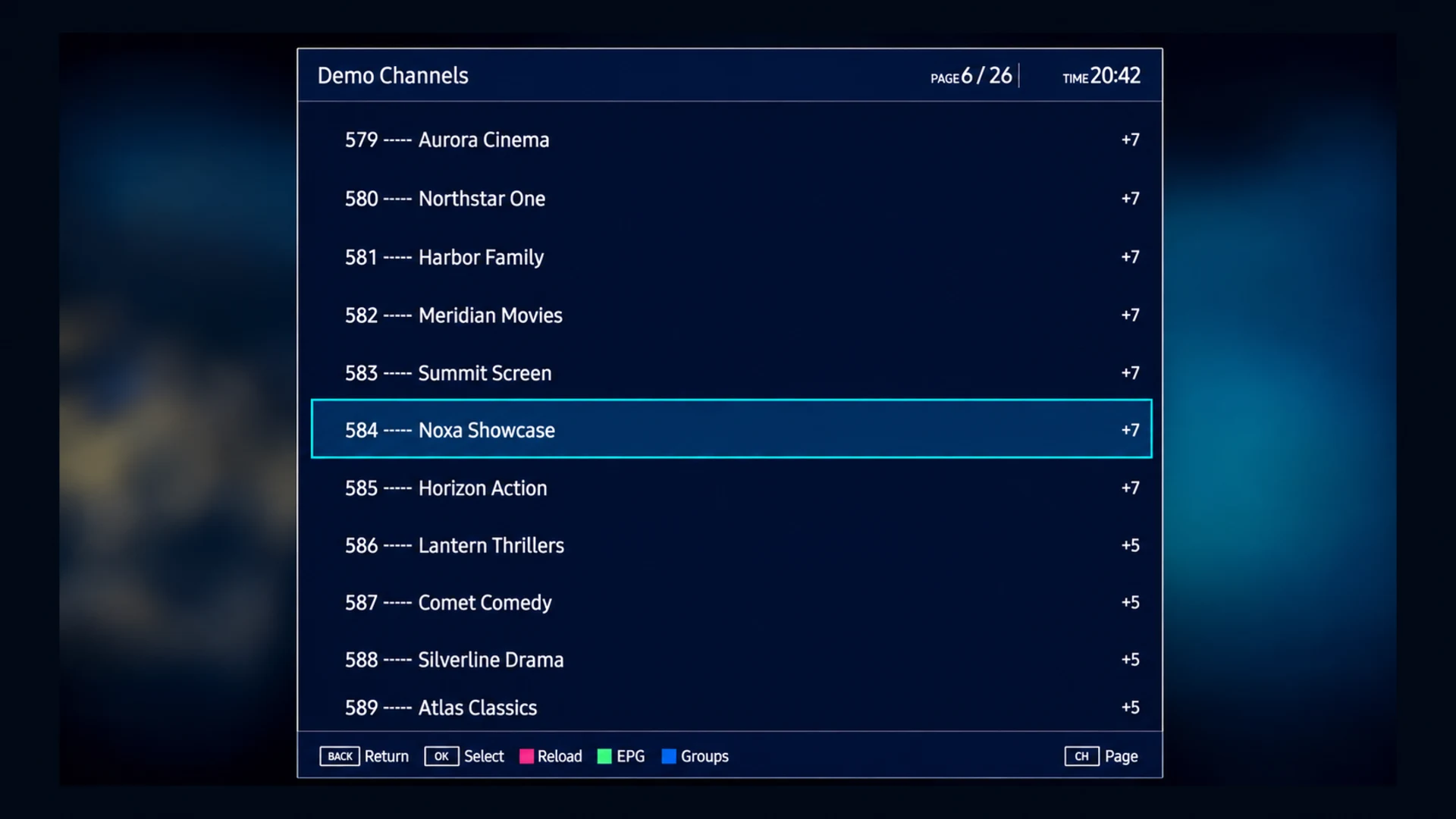
Switch channels from a clear, remote-friendly overlay while playback continues behind the menu.
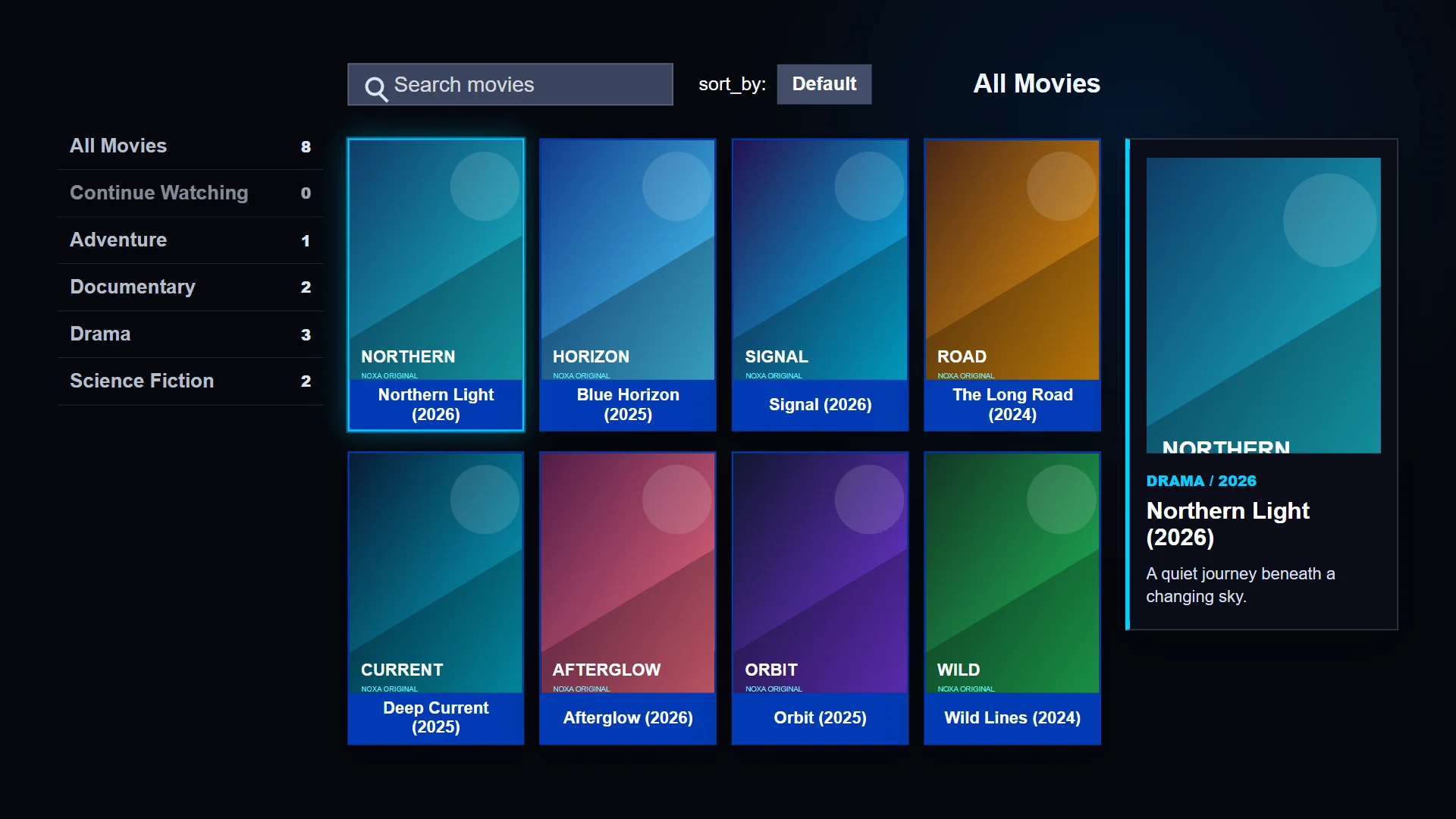
Search and browse movie categories, posters, and details when your authorized playlist includes VOD metadata.
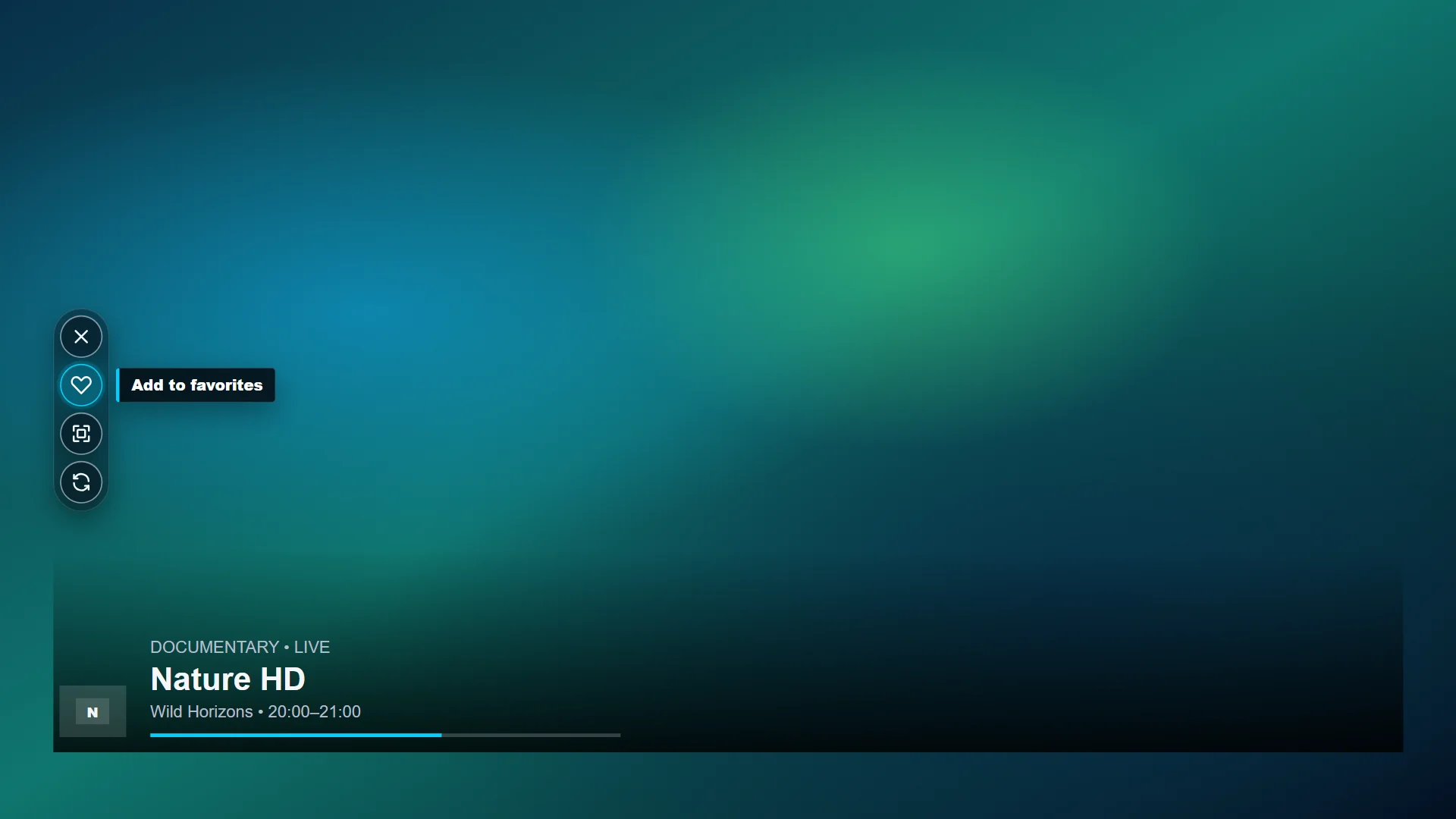
Use full-screen playback controls and view channel or program details when that metadata is supplied by your playlist.
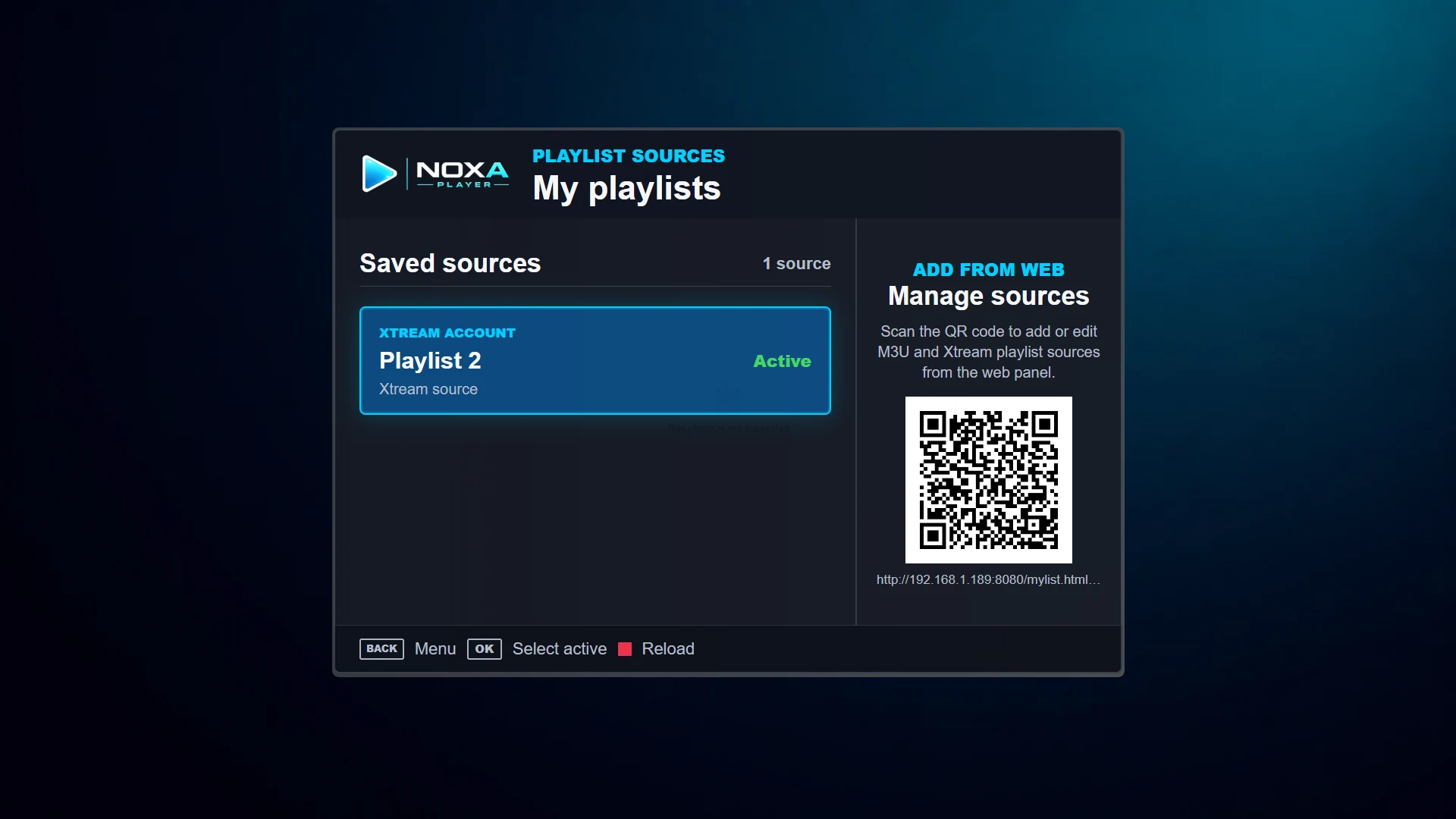
See active M3U or Xtream sources and manage playlists by QR or Device ID from the web panel.
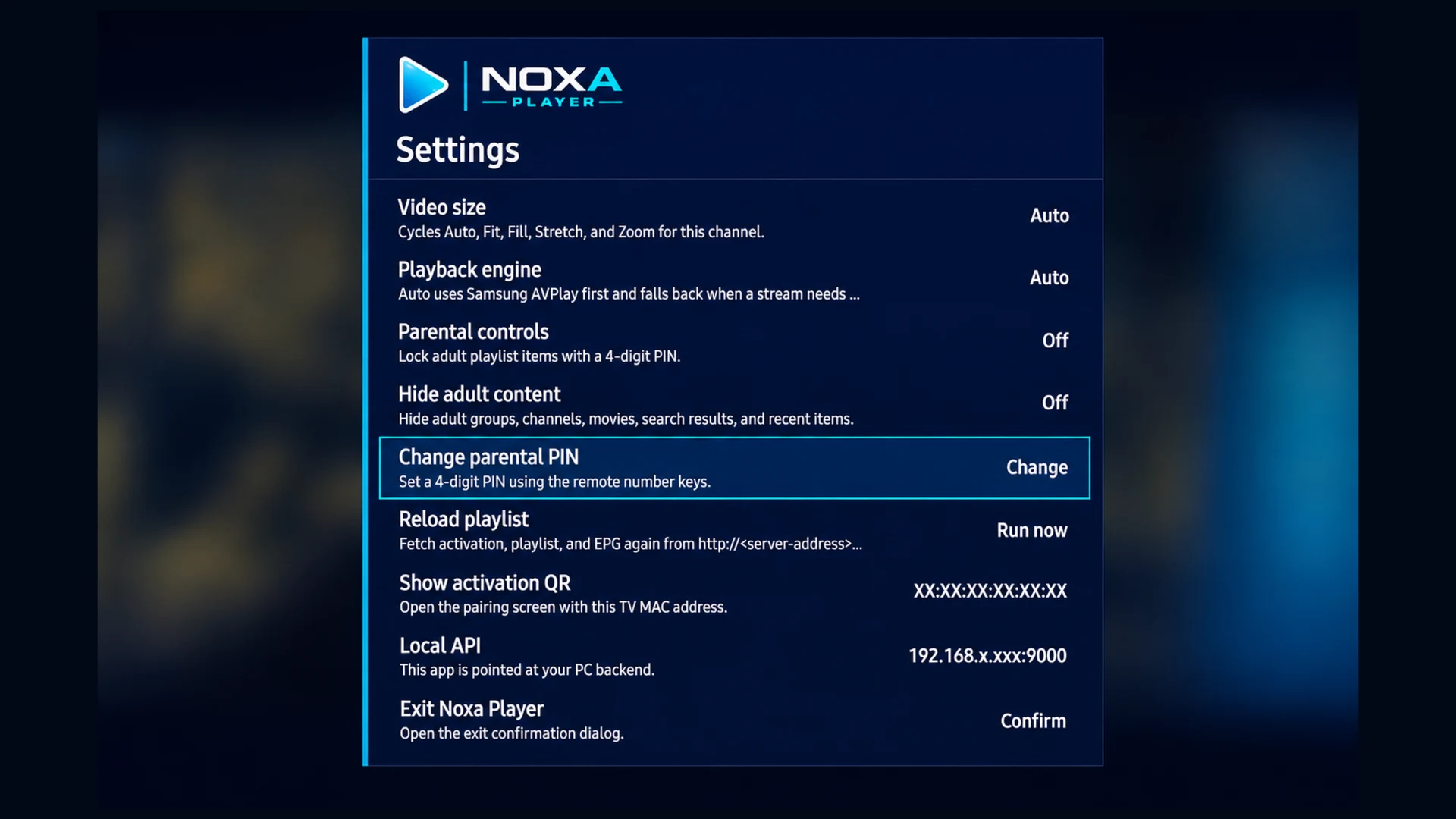
Manage device preferences, server address, and parental controls.
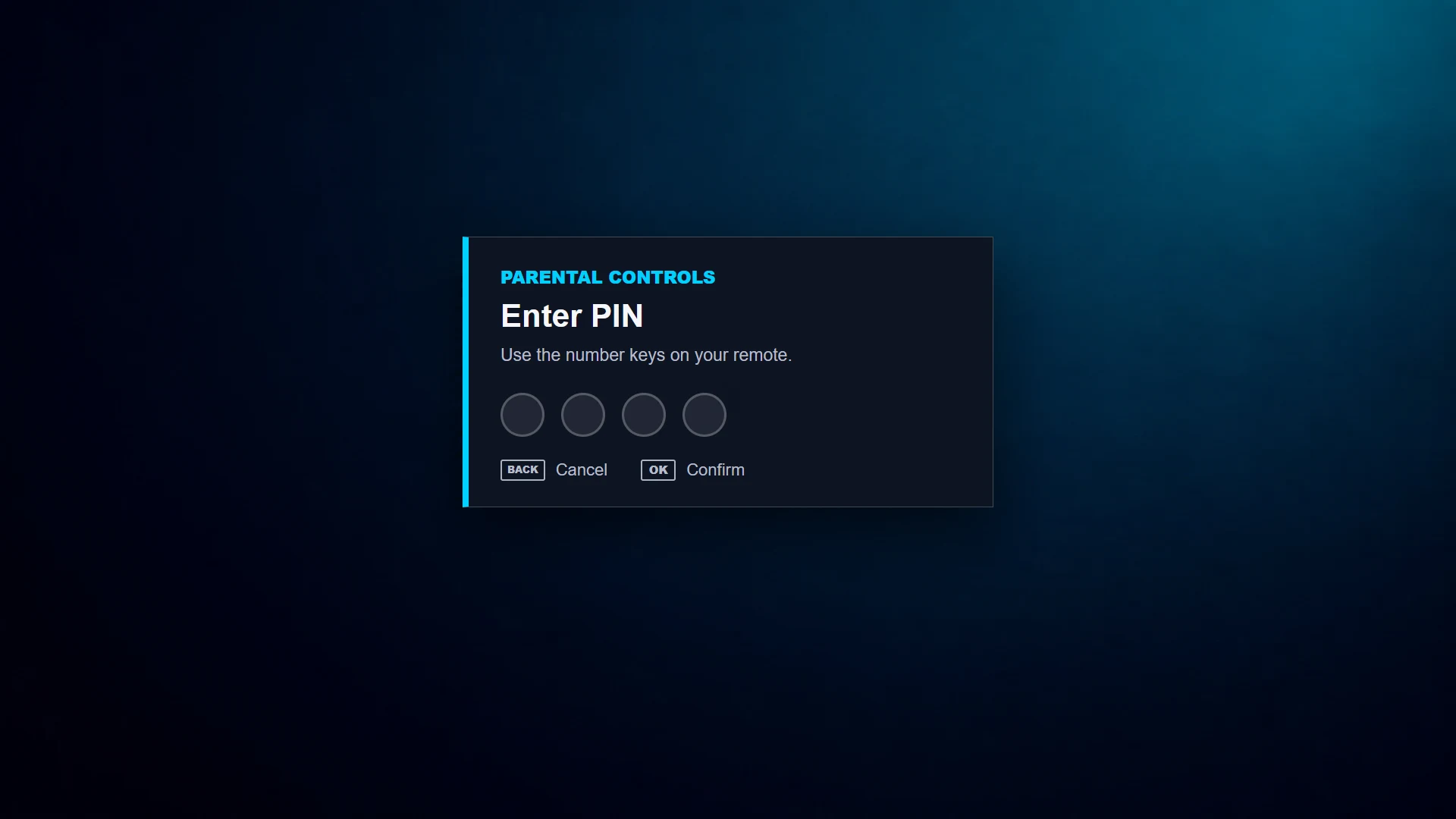
Use a remote-friendly 4-digit PIN flow for restricted playlist items.
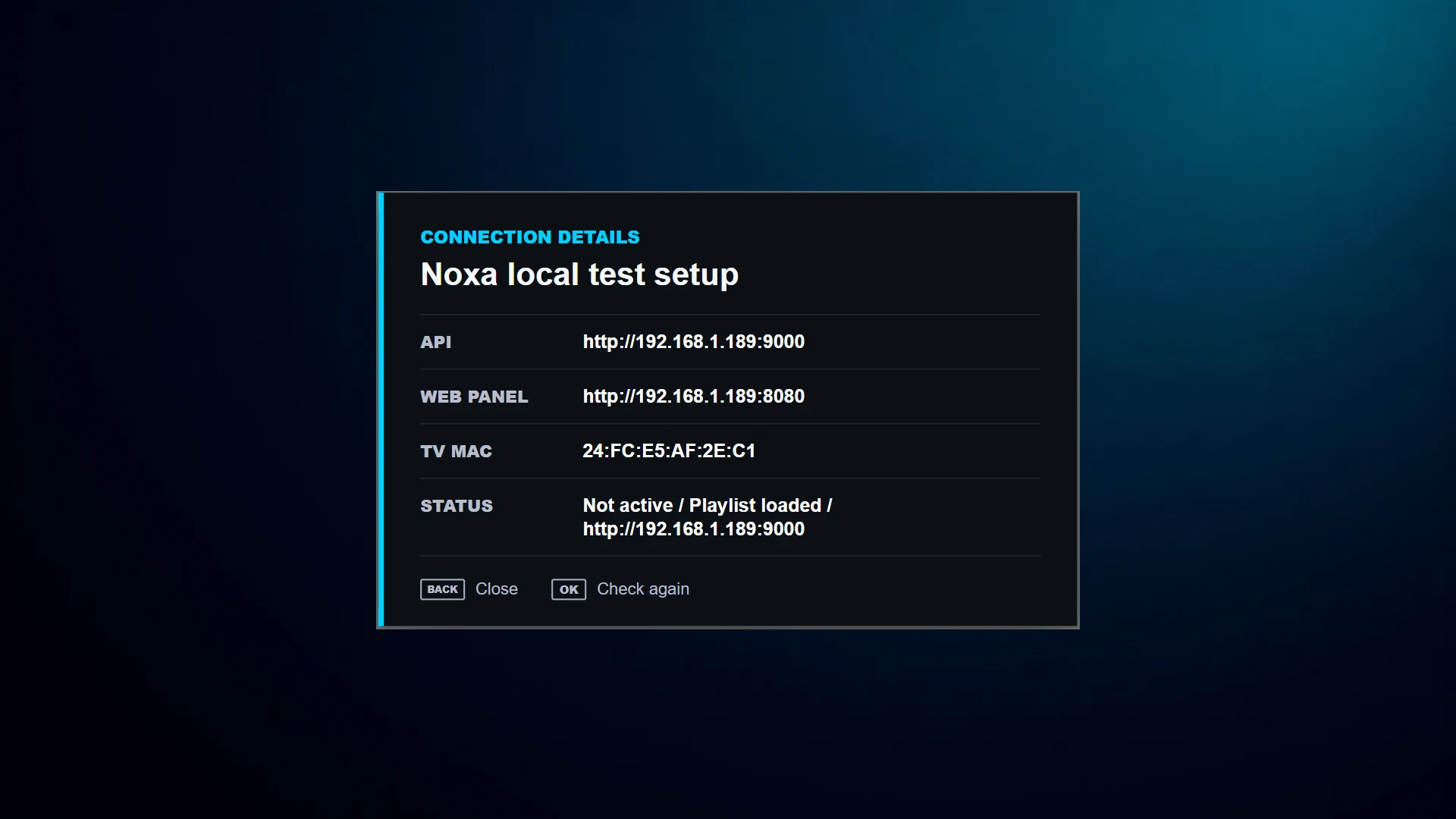
Confirm the local API, web panel address, TV MAC, and current playlist status from the app.
Designed for fast playback and simple management.
Move through your own playlist items quickly with a remote-friendly playback experience.
Return to recent channels quickly without digging through large playlist groups.
Attach optional XMLTV guide metadata when your playlist provider supports it.
Use PIN-based controls to help restrict categories or profiles.
Download the APK, activate your device, and upload your own legal playlist.